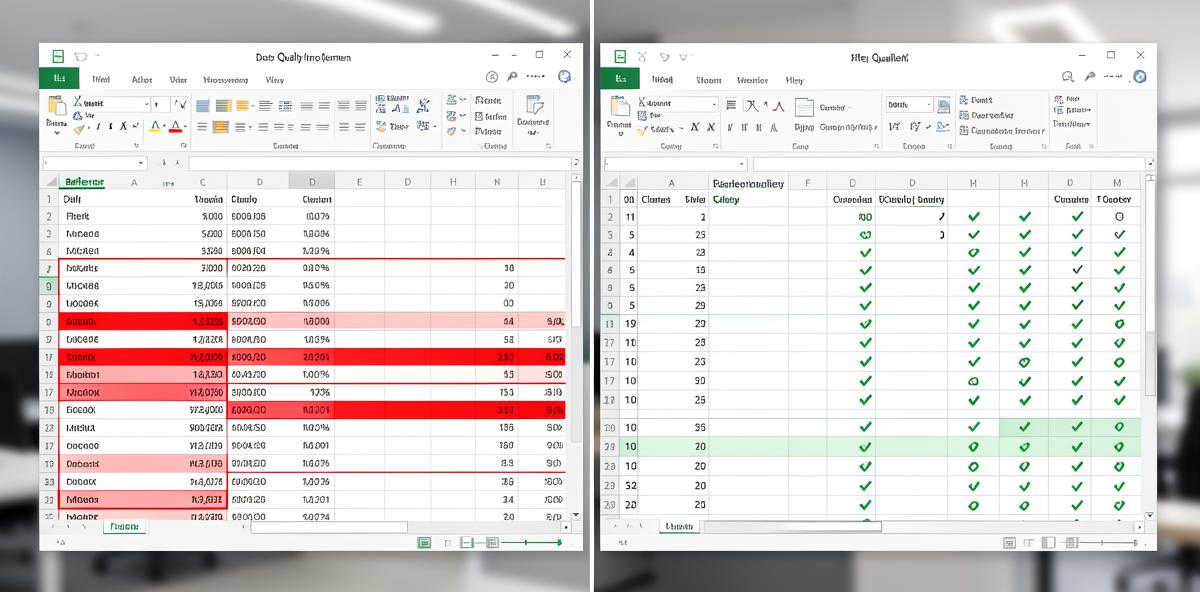
Why Data Cleaning Matters?
Before analyzing your data effectively, ensure it is clean and formatted properly. Dirty data leads to, well, misleading insights, incorrect conclusions, and wasted time. Nothing to worry about: we'll cover the essential data cleaning techniques that will help you get accurate, reliable results from your analysis.
1. Check for Missing Values
Missing values! One of the most common data quality issues. They can appear as blank cells, "N/A", "n.a.", "NULL", "undefined" or other placeholder values. Before running any analysis:
- Scan each column for empty or placeholder values
- Decide whether to remove rows with missing data or fill them with appropriate values
- For numeric columns, consider using the median or mean to fill gaps
- For categorical data, you might use the most common value or create a "Missing" category
If more than 30% of values in a column are missing, consider whether that column is useful for your analysis at all.
2. Remove Duplicate Rows
Duplicate entries can skew your statistical analysis and lead to overrepresentation of certain data points. To identify duplicates:
- Look for rows where all values are identical
- Check for near-duplicates where key fields match but minor details differ
- Decide which duplicate to keep (usually the most recent or most complete record)
Most spreadsheet applications have built-in tools to identify and remove duplicates. Use them before uploading your data for analysis.
3. Standardize Data Formats
Inconsistent formatting is a silent killer of data analysis. Common issues include:
- Dates: Mixing formats like "01/15/2026", "Jan 15 2026", and "2026-01-15" in the same column
- Numbers: Using both "1,234.56" and "1234.56" or mixing currencies without labels
- Text: Inconsistent capitalization ("Apple", "apple", "APPLE") or extra whitespace
- Categories: Similar values entered differently ("NY", "New York", "ny")
Choose one standard format for each column type and convert all values to match. This ensures your analysis tools can properly interpret the data.
4. Handle Outliers Carefully
Outliers are data points that fall far outside the normal range. They might be:
- Legitimate extreme values (a very large sale on Black Friday)
- Data entry errors (typing "10000" instead of "100")
- Measurement errors (faulty sensor readings)
Don't automatically delete outliers. Instead:
- Identify them using statistical methods (values more than 3 standard deviations from the mean)
- Investigate their source
- Keep legitimate outliers, but note them in your analysis
- Correct or remove only those that are clearly errors
5. Ensure Consistent Column Types
Each column should contain only one type of data. Problems arise when:
- Numeric columns contain text values ("N/A" mixed with numbers)
- Date columns include non-date entries
- Boolean columns (Yes/No) include other values
Review each column and ensure all values match the intended data type. Convert or remove values that don't fit.
6. Remove Unnecessary Columns
Extra columns add noise to your analysis. Before processing your data:
- Remove completely empty columns
- Delete columns where all values are identical (they provide no information)
- Remove ID columns that won't be used in analysis
- Eliminate columns that duplicate information from other columns
A leaner dataset is easier to analyze and produces clearer insights.
7. Validate Data Ranges
Check that values fall within expected ranges:
- Percentages should be between 0 and 100 (or 0 and 1)
- Ages should be positive and reasonable (0-120)
- Prices should be positive
- Dates should fall within a logical timeframe
Values outside expected ranges usually indicate data entry errors that need correction.
Upload Your Clean Data
Once you've cleaned your data, upload it to Analyze Table for instant AI-powered insights.
Analyze Your Data NowCommon Data Cleaning Mistakes to Avoid
Deleting Too Much Data
Being overly aggressive with data removal can eliminate valuable information. Only remove data that is clearly incorrect or irrelevant to your analysis.
Not Documenting Your Changes
Keep a record of what cleaning steps you performed. This helps you reproduce your analysis later and explains any discrepancies between raw and cleaned data.
Cleaning After Analysis
Always clean your data before analysis, not after. Trying to explain away bad results by retroactively cleaning data is a recipe for bias and errors.
Ignoring the Source
Understanding where your data comes from helps you anticipate quality issues. Manual data entry tends to have more errors than automated collection. Sensor data might have calibration issues. Consider the source when planning your cleaning strategy.
Quick Checklist Before Uploading
Before you analyze your data, verify:
- ✓ No completely empty rows or columns
- ✓ No duplicate entries
- ✓ Consistent date and number formats throughout
- ✓ Missing values handled appropriately
- ✓ Column headers are clear and descriptive
- ✓ Data types are consistent within each column
- ✓ Values fall within expected ranges
- ✓ Only relevant columns included
Final Thoughts
Data cleaning isn't glamorous to be honest, but it's the foundation of reliable analysis. Spending time upfront to clean your data properly will save you hours of troubleshooting later and ensure your insights are accurate and actionable.
The goal isn't perfection—it's preparation. Clean your data well enough that your analysis tools can process it correctly and your insights reflect reality rather than data quality issues.